
Your LinkedIn headline should tell people more than your current job title. It should quickly communicate the type of work you do, the skills you bring and the professional direction you want to pursue.
LinkedIn describes the headline as the text displayed beneath your name in the introduction section. It also appears in search results and can be different from your current position. That makes it one of the most visible pieces of information on your profile. (LinkedIn Help)
In this guide, you will find LinkedIn headline examples for job seekers, recent graduates and career changers, along with practical formulas for creating your own.
What Is a LinkedIn Headline?
A LinkedIn headline is the short description displayed directly beneath your name.
If you do not customize it, LinkedIn may use information from your current position. Although a job title can be useful, it may not communicate your strongest skills, specialization or professional direction.
Compare these two headlines:
Basic headline:
- Marketing Specialist
More informative headline:
- Digital Marketing Specialist | Content Strategy, SEO and Email Campaigns
The second version gives the reader a clearer picture without making exaggerated promises.
Your headline may appear when someone:
Visits your profile
Encounters your profile in search results
Sees one of your posts or comments
Receives a connection request from you
Sees your profile recommended elsewhere on LinkedIn
LinkedIn calls these instances “profile appearances,” which can occur in search, posts, comments and network recommendations. (LinkedIn Help)
A Simple LinkedIn Headline Formula
Start with this formula:
Target role or professional identity | Relevant specialty or skills | Credible area of contribution
For example:
Project Coordinator | Scheduling, Stakeholder Communication and Process Documentation
You can also use one of these variations:
Formula 1: Role and skills
[Target role] | [Skill 1], [Skill 2] and [Skill 3]
Example:
Data Analyst | SQL, Excel and Power BI
Formula 2: Role and specialization
[Professional identity] specializing in [area]
Example:
Content Writer Specializing in B2B Technology and SaaS
Formula 3: Role, industry and strength
[Target role] | [Industry] | [Relevant strength]
Example:
Customer Success Specialist | SaaS | Onboarding and Account Support
Formula 4: Career direction and transferable experience
Transitioning to [target field] | Background in [previous field] | [Transferable skills]
Example:
Transitioning to Project Management | Operations Background | Planning and Cross-Functional Coordination
You do not need to use every part of a formula. Select the information that best represents your actual experience and intended audience.
LinkedIn Headline Examples for Job Seekers
These examples can be adapted to your profession, seniority and target role.
General job-seeker examples :
Operations Coordinator | Process Improvement, Scheduling and Team Support
Business Analyst | Requirements Gathering, Process Mapping and Data Analysis
Administrative Professional | Calendar Management, Documentation and Client Support
Project Coordinator | Planning, Stakeholder Communication and Progress Tracking
Customer Support Specialist | Problem Resolution, Account Assistance and Customer Care
Avoid filling the headline with phrases such as “desperately seeking work.” Focus first on the work you can perform and the experience you bring.
Recent graduate headline examples :
Recent Finance Graduate | Financial Analysis, Excel and Market Research
Computer Science Graduate | Python, JavaScript and Web Application Projects
Marketing Graduate | Content Creation, Social Media and Campaign Analysis
Recent Psychology Graduate | Research, Data Collection and Community Support
Business Graduate | Operations, Market Research and Project Coordination
Recent graduates can use academic projects, internships, volunteering and relevant technical skills as evidence. However, the headline should not present classroom exposure as professional expertise.
Career-change headline examples :
Transitioning to Human Resources | Background in Team Operations and Employee Support
Aspiring Data Analyst | Finance Background | Excel, SQL and Power BI Projects
Moving into Project Management | Operations Experience | Planning and Process Improvement
Transitioning to UX Research | Customer Service Background | Interviews and User Insight
Future Software Developer | Technical Support Background | JavaScript and React Projects
A career-change headline should connect the previous career with the new direction. The reader should be able to understand why the transition makes sense.
Marketing and communications examples :
Digital Marketing Specialist | SEO, Content Strategy and Email Marketing
Content Marketing Professional | Editorial Planning, SEO Writing and Audience Research
Social Media Coordinator | Content Planning, Community Engagement and Performance Reporting
Communications Specialist | Internal Communications, Content Development and Stakeholder Engagement
Technology and data examples :
Data Analyst | SQL, Excel, Power BI and Dashboard Reporting
Software Developer | JavaScript, React and API Integration
IT Support Specialist | Troubleshooting, Microsoft 365 and User Support
Cybersecurity Analyst | Security Monitoring, Risk Assessment and Incident Documentation
Only include tools and technologies you can discuss confidently in an interview.
Business and project-management examples :
Project Manager | Cross-Functional Delivery, Risk Management and Stakeholder Communication
Operations Specialist | Workflow Improvement, Reporting and Team Coordination
Business Development Professional | Prospect Research, Relationship Building and Pipeline Support
Human resources and recruitment examples :
Human Resources Coordinator | Recruitment Support, Onboarding and Employee Records
Talent Acquisition Specialist | Candidate Sourcing, Interview Coordination and Employer Branding
Finance and customer-facing examples :
Financial Analyst | Forecasting, Reporting and Advanced Excel
Customer Success Manager | SaaS Onboarding, Account Retention and Client Education
Treat these as starting points, not finished headlines to copy without reviewing them. Your final version should accurately reflect your background.
LinkedIn Headline Examples With Measurable Evidence
A result can make a headline more credible, but only when it is truthful, relevant and easy to understand.
Examples:
- Email Marketing Specialist | Campaign Strategy and Automation | Improved Engagement Across Multi-Step Campaigns
Customer Support Team Lead | Coaching and Service Operations | Supported a Team of 12 Representatives
Project Coordinator | Scheduling and Documentation | Supported 15+ Client Projects
Sales Professional | B2B Prospecting and Account Development | Managed a $500K Pipeline
Use an exact number only when you can explain how it was calculated and provide context if asked.
How to Choose Keywords for Your LinkedIn Headline
Begin with several job descriptions for roles you would genuinely consider.
Look for repeated terms relating to:
Job titles
Technical skills
Tools and platforms
Industry terminology
Certifications
Areas of responsibility
For example, a person targeting data analyst roles might repeatedly encounter:
Data analysis
SQL
Excel
Power BI
Dashboards
Reporting
Data visualization
They should select the terms that accurately match their experience rather than placing the entire list in the headline.
LinkedIn explains that search results are personalized and that adding more keywords does not automatically improve visibility. It recommends using keywords that accurately represent your expertise and avoiding keyword stuffing. (LinkedIn Help)
A suitable headline might therefore be:
- Data Analyst | SQL, Excel and Power BI | Dashboard Reporting
Not:
- Data Analyst | SQL | Excel | Power BI | Python | Tableau | Analytics | Reporting | Data | Business Intelligence | Expert
The objective is clarity and relevance—not maximum keyword repetition.
Weak LinkedIn Headlines and How to Improve Them
“Looking for new opportunities”
This tells the reader you are searching, but not what you can do.
Improved version:
Supply Chain Coordinator | Inventory Planning, Vendor Communication and Logistics Support
“Unemployed”
Employment status does not explain your professional value.
Improved version:
Customer Service Professional | Account Support, Problem Resolution and Client Communication
“Student at ABC University”
This does not show the student’s subject or direction.
Improved version:
Computer Science Student | Python, Java and Web Development Projects
“Marketing Ninja”
Creative labels can be vague and may not match the language employers use.
Improved version:
Digital Marketing Specialist | Paid Search, Content Strategy and Campaign Analytics
“Experienced professional seeking a challenging role”
This is broad enough to apply to almost anyone.
Improved version:
Office Manager | Workplace Operations, Vendor Coordination and Administrative Support
Should You Include “Open to Work” in Your Headline?
You can mention that you are open to opportunities, but it should not replace your professional identity.
Instead of:
Open to Work | Seeking Opportunities
Try:
Financial Analyst | Forecasting, Reporting and Excel | Open to Relevant Opportunities
Another option is to leave employment availability out of the headline and use LinkedIn’s job-preference settings instead.
Choose the approach that fits your situation and privacy preferences.
How to Write Your LinkedIn Headline Step by Step
1. Select a target role
Choose a clear professional direction. If you target unrelated roles, create a headline around the strongest common theme rather than listing every possibility.
2. Review relevant job descriptions
Record the job titles, skills and tools that appear repeatedly.
3. Compare the requirements with your experience
Remove any term you cannot support through employment, education, projects, certifications or other genuine experience.
4. Choose two or three differentiating details
These might include:
An industry
A specialization
A technical tool
A transferable strength
A credible result
5. Draft several versions
Write at least three options. Compare them for clarity, relevance and readability.
6. Remove unnecessary language
Delete empty phrases, excessive symbols and repeated keywords.
7. Check the rest of your profile
Your About, Experience and Skills sections should support the message presented in your headline.
LinkedIn Headline Checklist
Before saving your headline, ask:
Does it clearly communicate my professional direction?
Does it contain a recognizable role or area of expertise?
Are the skills relevant to the roles I want?
Can I support every claim?
Does it sound natural when read aloud?
Is it easy to scan?
Does the rest of my profile support it?
Have I avoided keyword stuffing?
Have I avoided vague buzzwords?
Have I checked spelling and capitalization?
How to Change Your LinkedIn Headline
On desktop:
Open your LinkedIn profile.
Select the edit icon in the introduction section.
Find the Headline field.
Enter the revised headline.
Save your changes.
The process is similar in the mobile application. LinkedIn notes that changing the headline does not change the positions listed in your Experience section. (LinkedIn Help)
Frequently Asked Questions
What is a good LinkedIn headline for a job seeker?
A good headline identifies a relevant role or professional direction and supports it with a small number of accurate skills, specializations or credible achievements.
For example:
Product Designer | User Research, Prototyping and Accessible Interface Design
Should my LinkedIn headline be my current job title?
It can be, but it does not have to be. LinkedIn allows the headline to be different from your current position. Consider adding relevant context if the job title alone does not communicate your specialization.
Should I include keywords in my headline?
Yes, when they naturally and accurately describe your work. Do not repeat keywords unnecessarily or add skills you do not possess.
Can I use a target job title if I have not held that role?
Be transparent. A phrase such as “Transitioning to Data Analysis” or “Data Analytics Graduate” is more accurate than presenting yourself as an experienced data analyst when you have not worked in the field.
Will changing my headline guarantee more recruiter messages?
No. A clearer headline can improve how your profile communicates your background, but LinkedIn search is personalized and considers multiple signals. No headline can guarantee profile views, recruiter messages or interviews.
Build the Rest of Your LinkedIn Profile
Your headline is only one part of your profile. It should work together with your About section, Experience, Skills and professional direction.
LinkedIn Blueprint provides step-by-step guidance, adaptable examples and practical worksheets for improving these sections without exaggerating your experience.
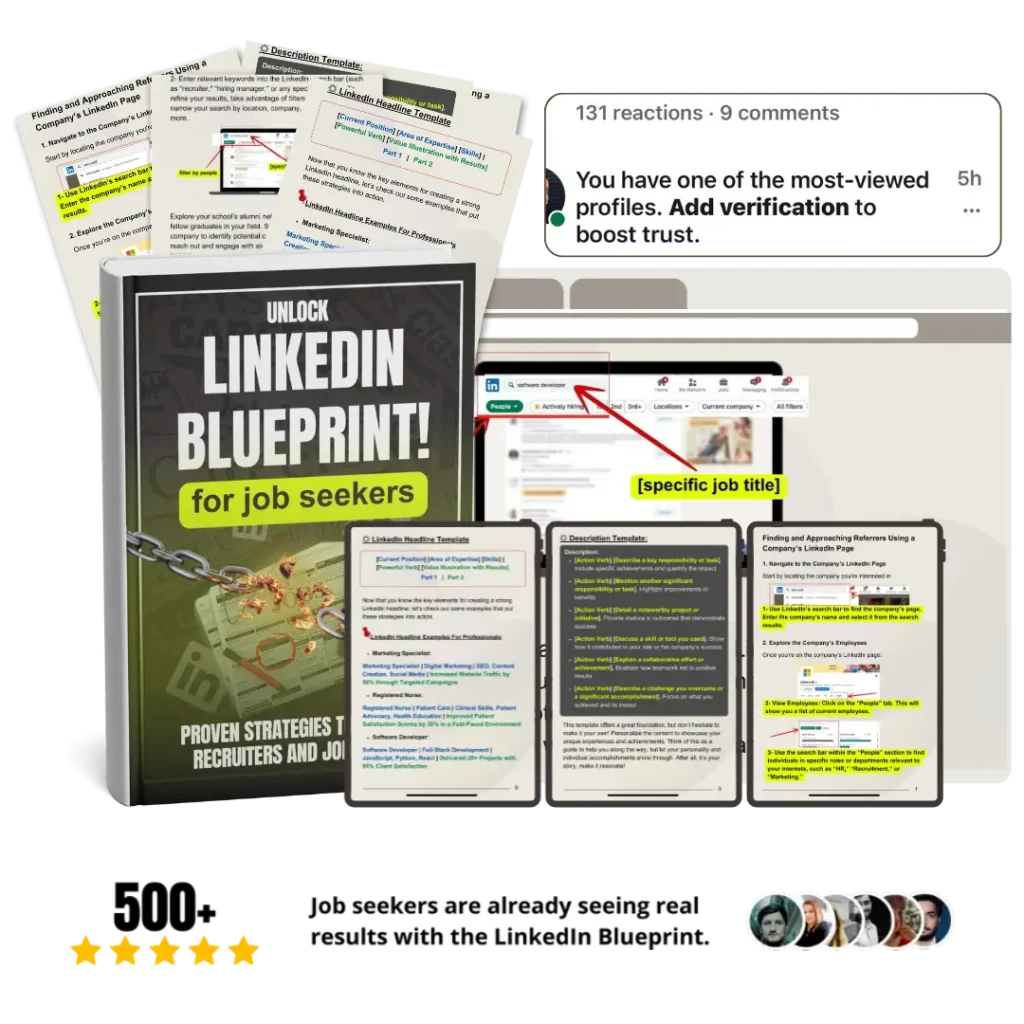
Ready to continue? Get the LinkedIn Blueprint for $19.99.