Microsoft Outlook Down? What Job Seekers and Professionals Should Do
Microsoft Outlook is down for many users, disrupting email, calendars and workplace communication across Microsoft 365. For job seekers and working professionals, the outage is more than a temporary inconvenience. It is a reminder that important career relationships should not exist only inside one inbox or company account.
Updated November 13, 2026: Microsoft 365 availability may vary by service, account and region. Check Microsoft’s official status page for the latest technical information.
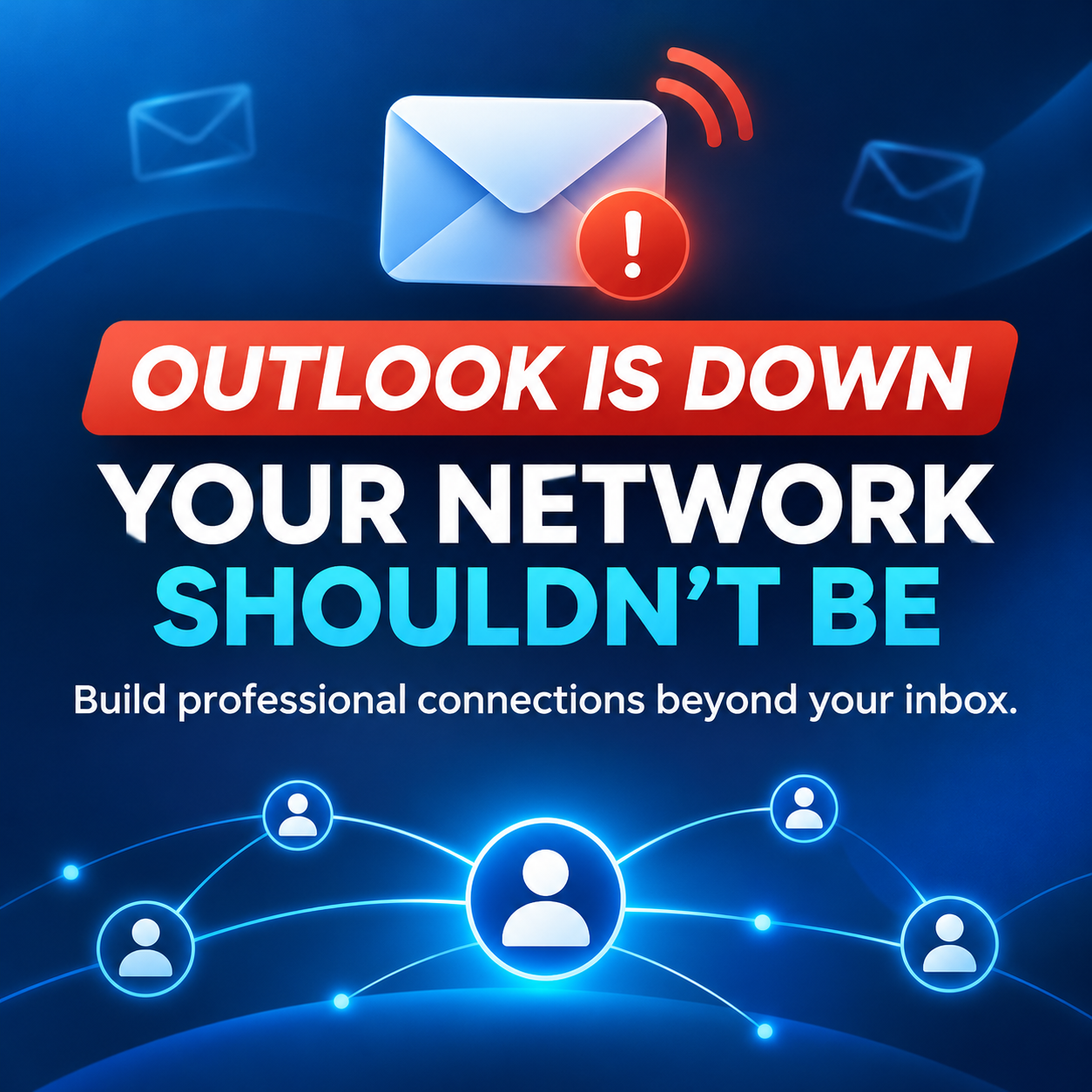
When Outlook is unavailable, you may be unable to contact recruiters, confirm interviews, reach clients or access messages from colleagues. A well-maintained LinkedIn network gives you another professional channel—but only if you build it before you urgently need it.
Is Microsoft Outlook Down Right Now?
A widespread Microsoft 365 outage has affected Outlook, Teams and related services. Users have reported difficulty opening mailboxes, sending and receiving messages, and accessing workplace tools. Microsoft has been working to restore affected infrastructure, while availability may vary by region and account.
For the latest technical information, check the official Microsoft 365 service-status page or your organization’s administrator. Avoid repeatedly changing passwords or reinstalling applications unless Microsoft or your IT team confirms that the problem is specific to your account.
What to Do When Outlook Is Down
1. Confirm That the Problem Is a Service Outage
Check Microsoft’s service status and ask whether colleagues are experiencing the same issue. Try Outlook on the web and the desktop or mobile application, but avoid repeatedly sending the same message because delayed emails may be delivered after service returns.
2. Use an Approved Alternative Communication Channel
If you are employed, follow your organization’s communication and security policies. Teams, phone calls or another approved platform may be appropriate, although related Microsoft services can sometimes be affected by the same outage.
Do not move confidential company, client or candidate information into an unapproved personal account simply because work email is unavailable.
3. Protect Time-Sensitive Interviews and Applications
If an interview or application deadline is approaching, use a contact method the recruiter has already provided. A concise LinkedIn message can be appropriate when email delivery is uncertain:
Hi [Name], I’m following up here because of the current Outlook disruption. I remain available for our scheduled conversation at [time]. Please let me know if the meeting details change. Thank you.
Keep the message factual and brief. Do not contact several employees at the same organization about the same issue.
4. Save Essential Information Outside Your Inbox
Keep interview times, recruiter names, company telephone numbers and application notes in an organized system that you can access independently. This does not mean copying confidential information. It means maintaining basic career records so that one unavailable platform does not stop your job search.
Why LinkedIn Can Be a Professional Backup Channel
LinkedIn does not replace email, and it should not be used to bypass company security rules. However, it can preserve access to professional relationships when an employer changes systems, you move to another company or an email service becomes temporarily unavailable.
For job seekers, LinkedIn can help you remain connected with recruiters, hiring managers, alumni and former colleagues. For established professionals, it can support relationships with clients, industry peers and people you have worked with throughout your career.
A useful network is not created by collecting random connections. It develops through a clear profile, relevant connections and respectful participation over time.
How to Make Your LinkedIn Network More Resilient
Optimize Your Profile Before You Need Help
Your headline and About section should explain your professional focus clearly. Your experience should show credible responsibilities and outcomes, while your skills should reflect work you can genuinely support. Use our LinkedIn profile checklist to review each important section.
Connect With People You Actually Know
Add current and former colleagues, classmates, managers, clients and professional contacts while the relationship is still fresh. Personalize connection requests when context is not obvious.
Keep Contact Information Current
Use an email address that you expect to retain when appropriate, especially if your current LinkedIn account depends on an employer-controlled address. Review your account recovery and security settings regularly.
Participate Before You Need an Opportunity
Comment thoughtfully, share useful professional information and congratulate people on genuine milestones. Consistent participation makes future outreach more natural than appearing only when you need a referral or job.
Use More Than One Professional Channel
No platform should be your only record of important relationships. Where appropriate and mutually agreed, maintain more than one method of contact. Follow privacy expectations and never export or reuse someone’s information without permission.
LinkedIn Is More Than a Job Board
The Outlook outage highlights a broader career lesson: platforms can become unavailable, employers can change systems and professional circumstances can change quickly. Your network should remain useful across those changes.
LinkedIn can support job searching, professional visibility and long-term relationship building when you use it deliberately. Our complete LinkedIn guide for job seekers explains the foundations, while our LinkedIn job-search workflow shows how to connect profile improvements with focused applications and outreach.
Build a LinkedIn Profile That Supports Your Career
If this outage exposed gaps in your professional network, use the moment to fix them. LinkedIn Blueprint provides step-by-step guidance, practical formulas and worksheets for improving your headline, About section, experience, skills, keyword strategy and professional networking approach.
Explore LinkedIn Blueprint and start building a clearer, more resilient professional presence.
Frequently Asked Questions
Should I message a recruiter on LinkedIn if Outlook is down?
Yes, when the matter is genuinely time-sensitive and the recruiter is identifiable. Explain briefly that you are using LinkedIn because of the Outlook outage, confirm the essential information and avoid sending repeated messages.
Will delayed Outlook emails arrive after the outage?
Many delayed messages may be delivered as service recovers, but delivery timing depends on the incident and the affected organization. Avoid assuming that a message has permanently failed unless you receive an error or confirmation from an administrator.
Can LinkedIn replace professional email?
No. LinkedIn is a useful networking and backup communication channel, but formal, confidential or organization-specific communication should continue through approved systems.
What should job seekers do after the outage?
Review saved interview details, follow up on genuinely time-sensitive messages, connect with relevant professional contacts and improve your LinkedIn profile so recruiters can understand your experience and direction.